Real work examples from Amazon and e-commerce: content, catalogue and brand stores. Portals for OTTO, Kaufland and the web shop follow as demos with sample data. Websites, shops and MUZIX Studio support the picture.
Amazon examples open the original on Amazon.de (in German). Portal and application demos use sample data, with no real bookings, notifications or messages. Project interfaces are in German.
Amazon: catalogue, content and brand stores
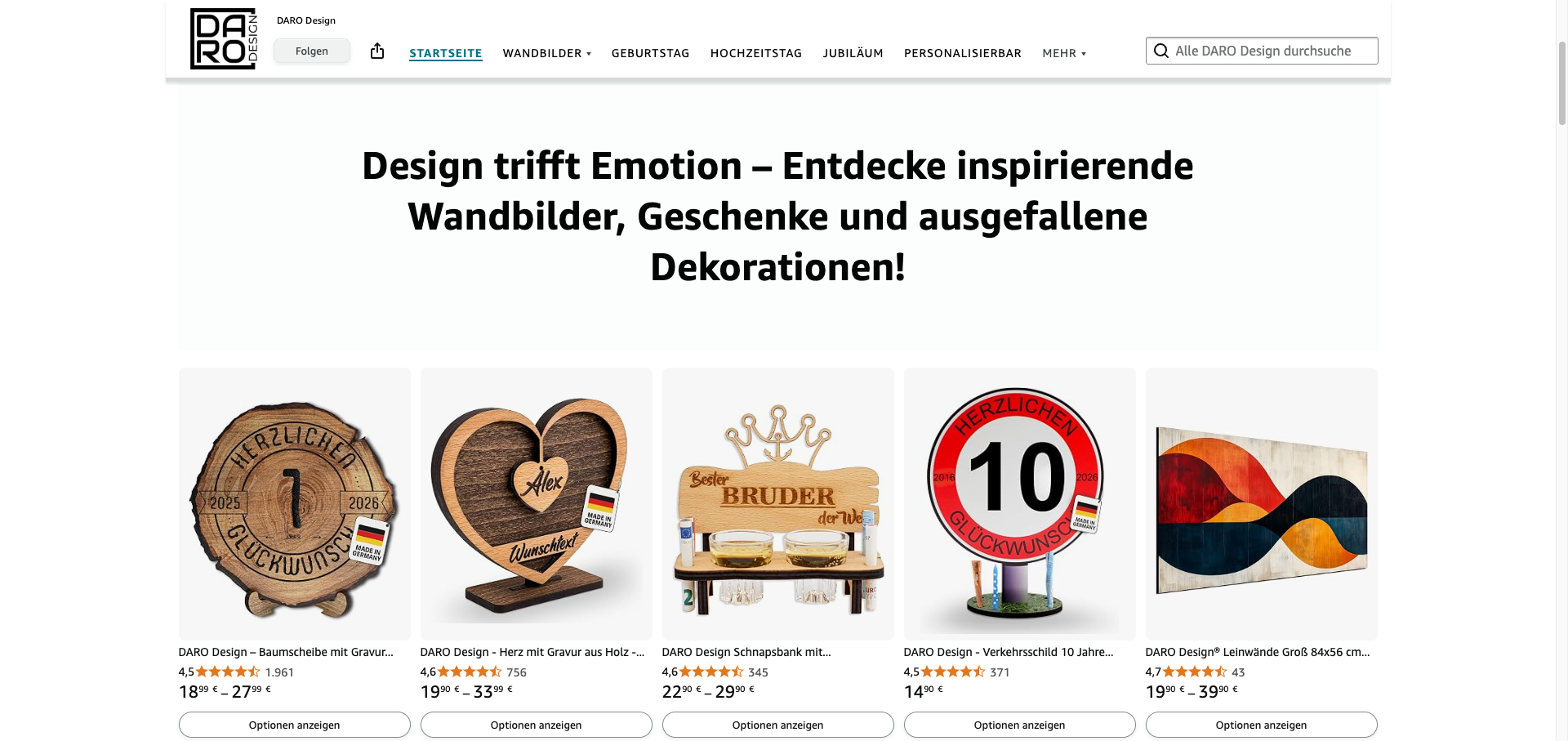
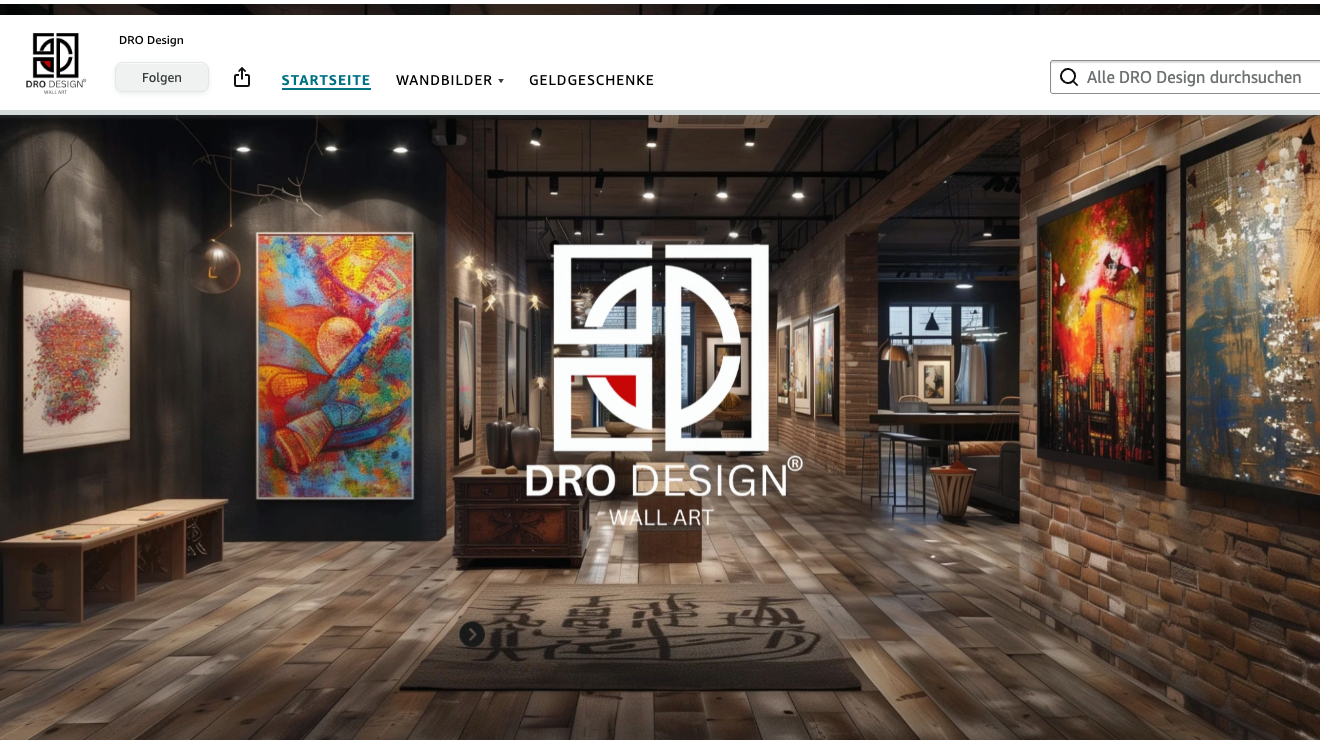
Excerpts from Amazon presences I designed and implemented. Each view opens the original on Amazon.de in a new tab.
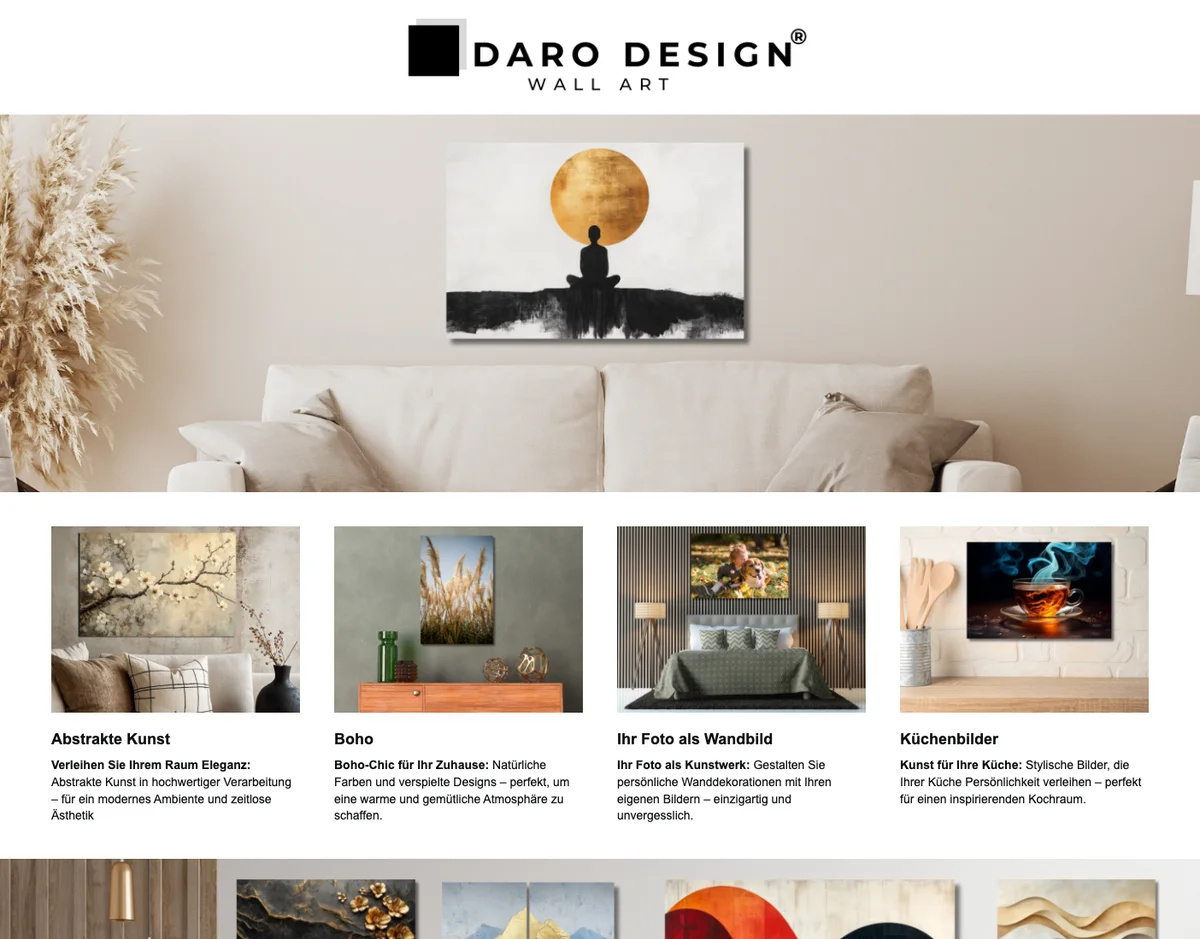
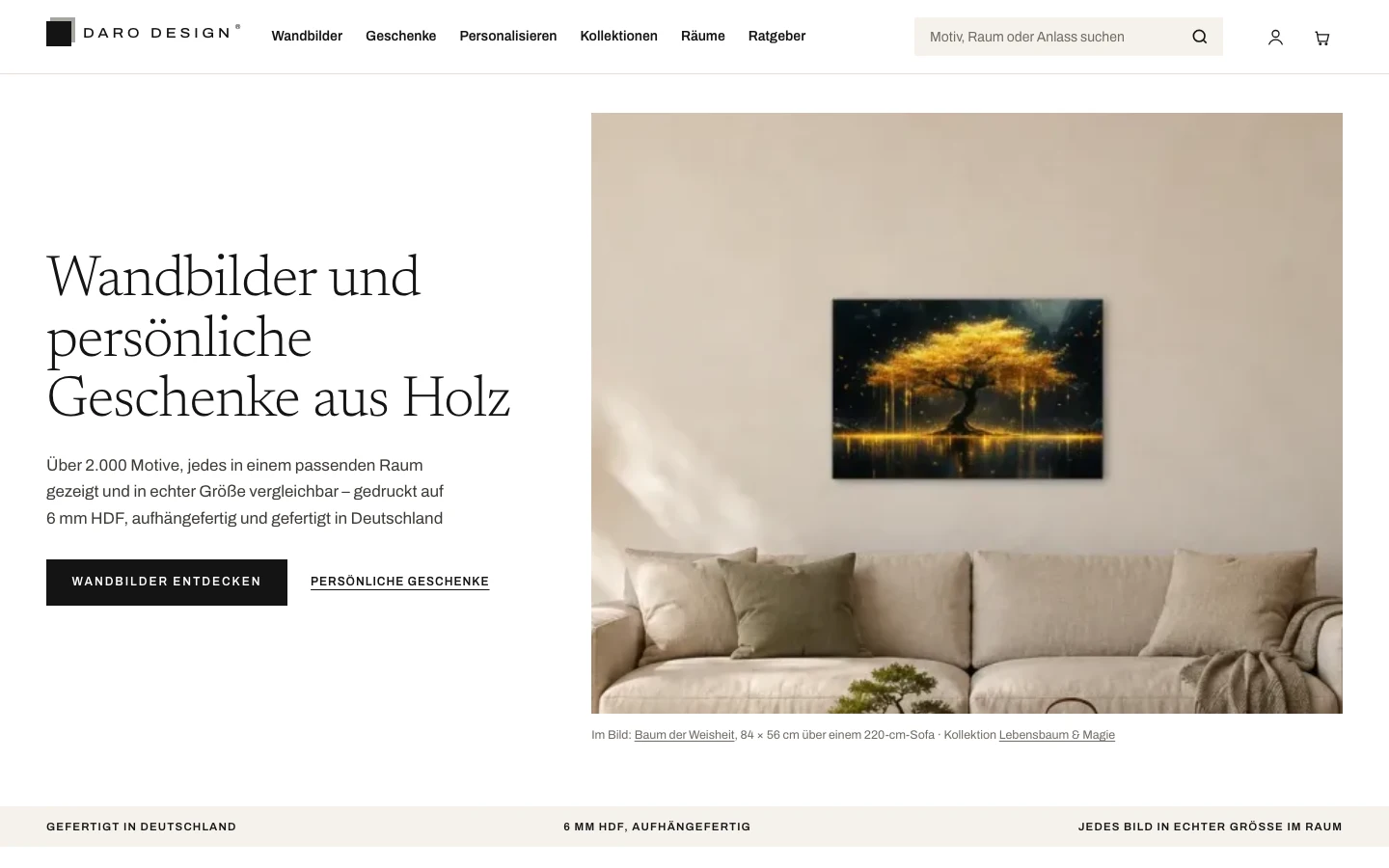
Listing & A+ Content · DARO Design
Live on Amazon.de
Product detail page for wall art: image sequence, A+ modules and copy explain motif, formats and variants to make the buying decision easier.
Plan, design and maintain the page structure, navigation and modules for the brand.
04
Advertising and operations
Manage PPC campaigns, search terms and recurring account tasks in connection with range and content.
OTTO, Kaufland and web shop: portals with sample data
Three channels, three working views: OTTO with financial reporting, Kaufland with advertising and reports, the web shop with orders and shipping. All figures belong to a fictional sample company. One click opens the demo to try out.
PortalDemo · sample company · sample data
AGILIVIS · OTTO
One reporting example in the layout of the OTTO dashboard: net revenue against the previous period, what is left after cost of goods, fees and advertising, plus open orders. The view is a layout demo and does not show the full feature set.
Advertising and reports for Kaufland: campaigns, spend per keyword, ad report import history with preview and order status. Layout demo, all figures invented.
Orders for your own web shop with payment and shipping status, shipping preparation for selected orders and the sales mix by product group. Layout demo, all figures invented.
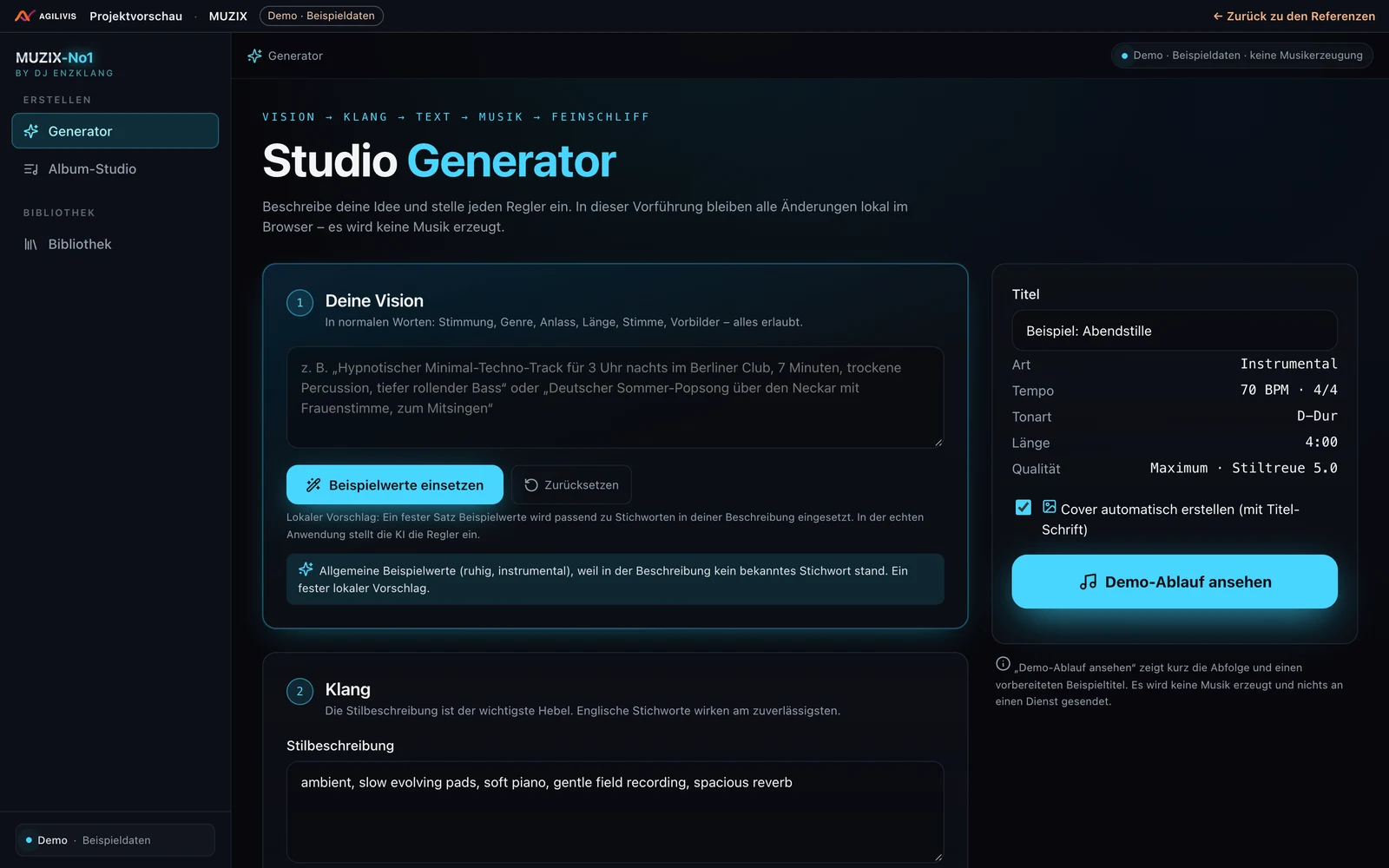
An application of our own as a clickable demo: a music workshop with a library and a generator interface. The demo shows how it is operated; it does not generate real music.
ApplicationInteractive demo
MUZIX Studio
Music workshop with a library and creative workflows. The demo shows how it works; it does not generate music.